
Small Windows tools. A calmer working day.
Less friction, more flow. Arrange windows, cover distractions, and find any window by name.
- Free for 30 days
- No card or account
- Signed by a Microsoft-verified publisher
- $3.99 once, no subscription
On your phone? These are Windows apps.
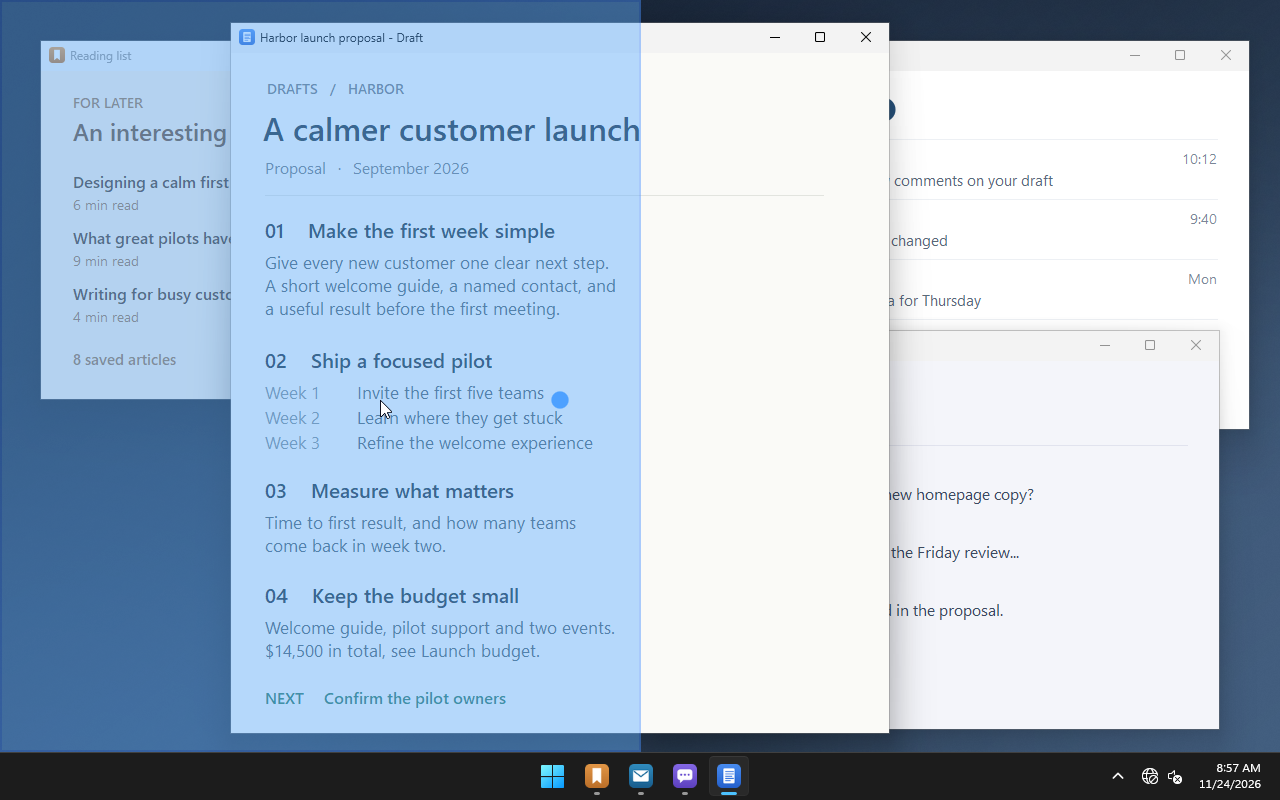
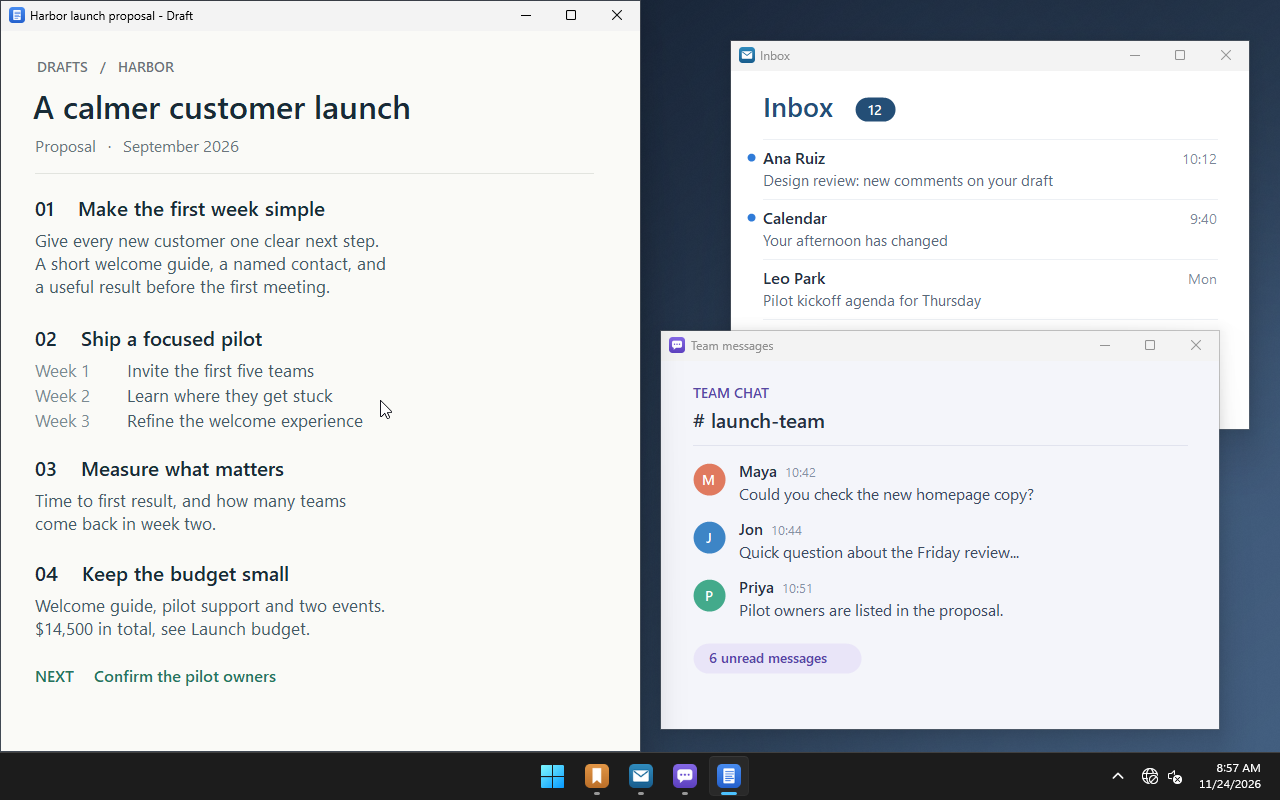
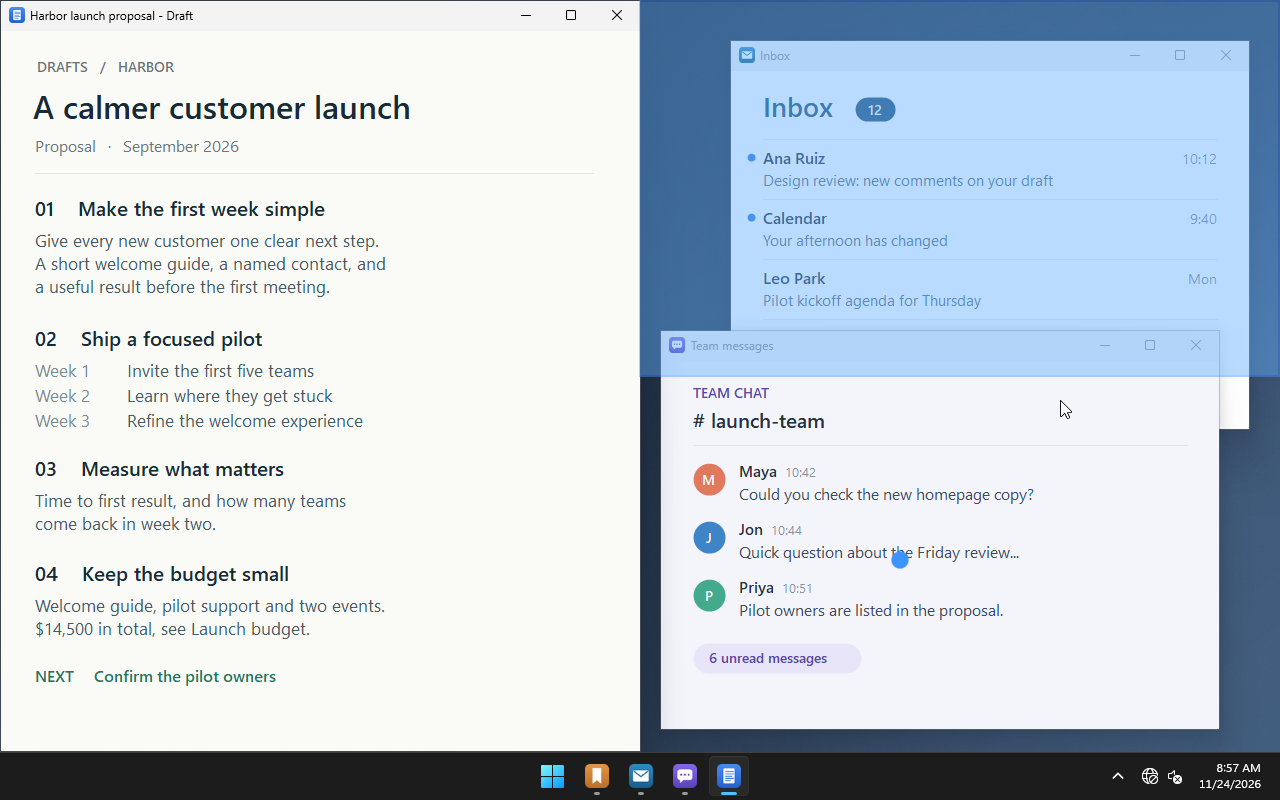
Snappy Snap without dragging to screen edges.
Explore Snappy ↗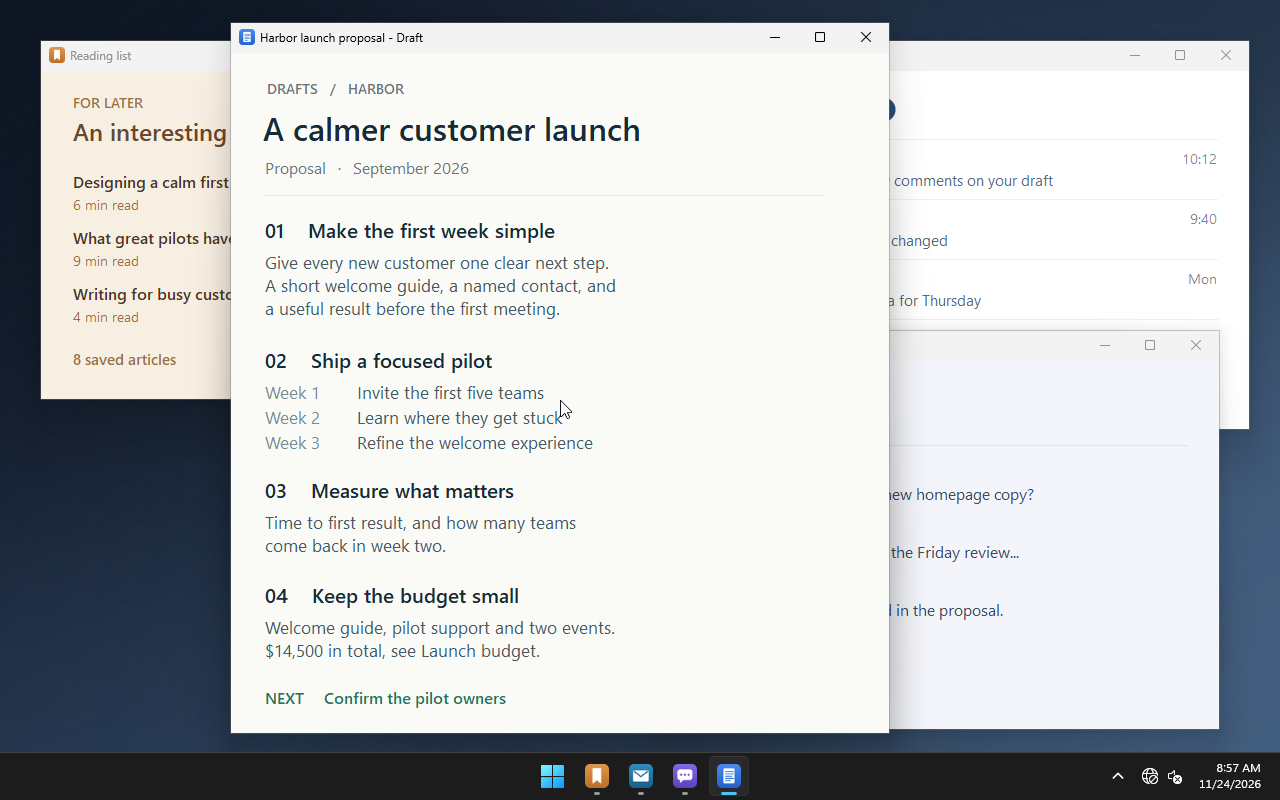
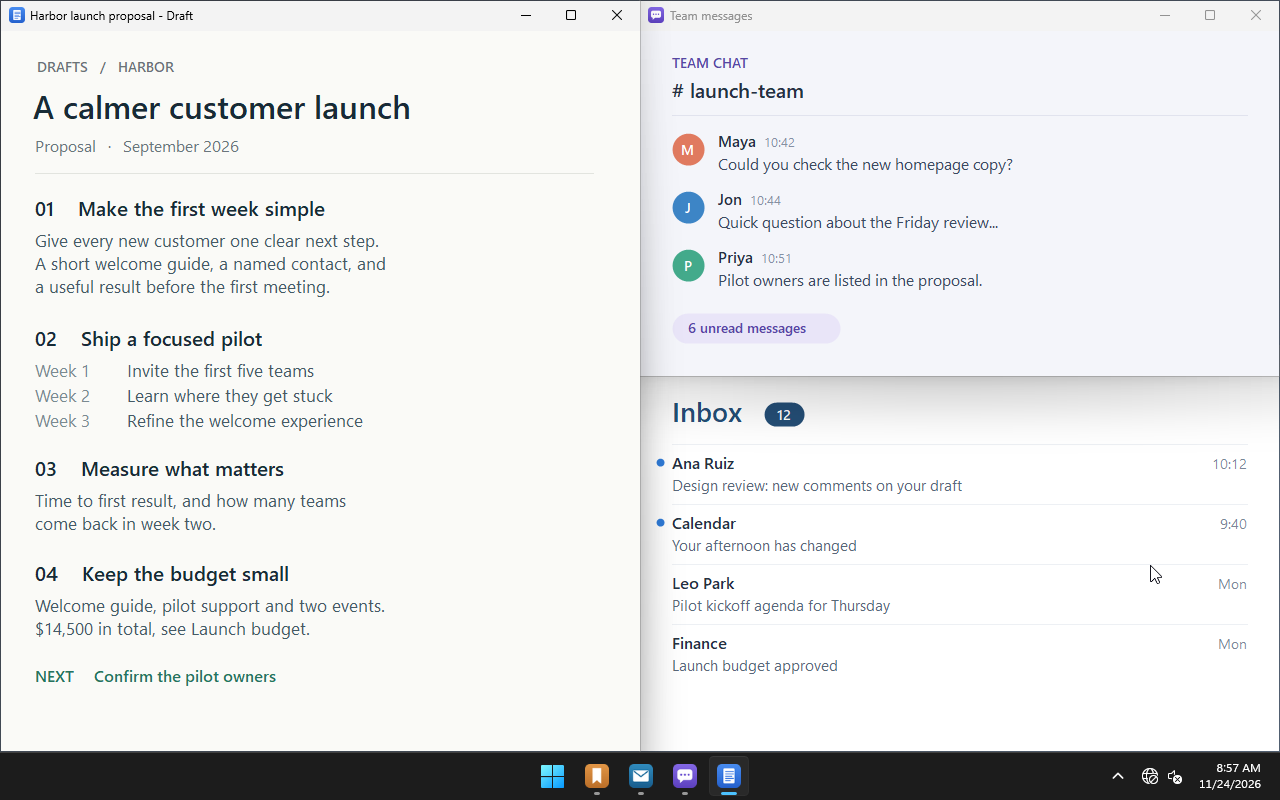
The demo could not load. Reload to try again, or read how it works below.
 Focal
Your work. Nothing around it.
Cover the clutter without closing anything.
Pick the apps you need. Focal covers the desktop around them, across every monitor, and follows those windows as you move them.
Free for 30 days · Windows 10 & 11
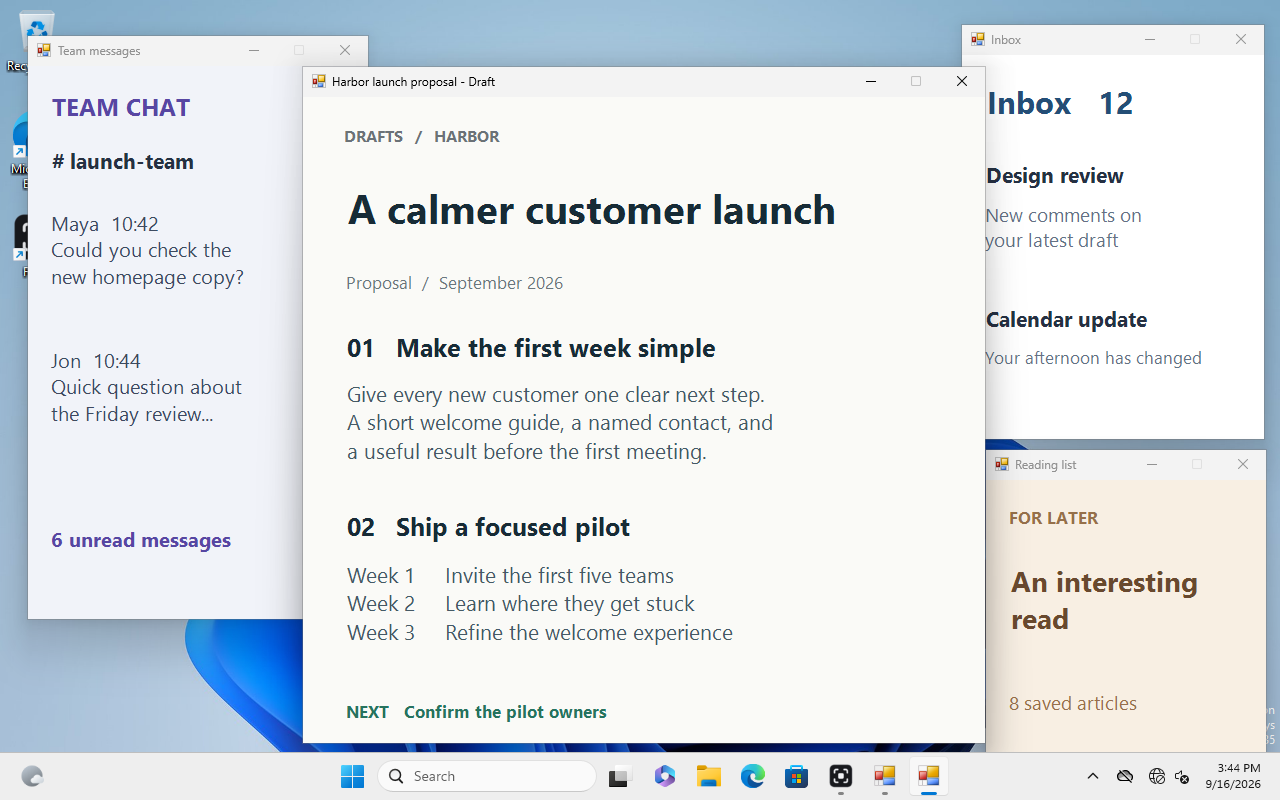
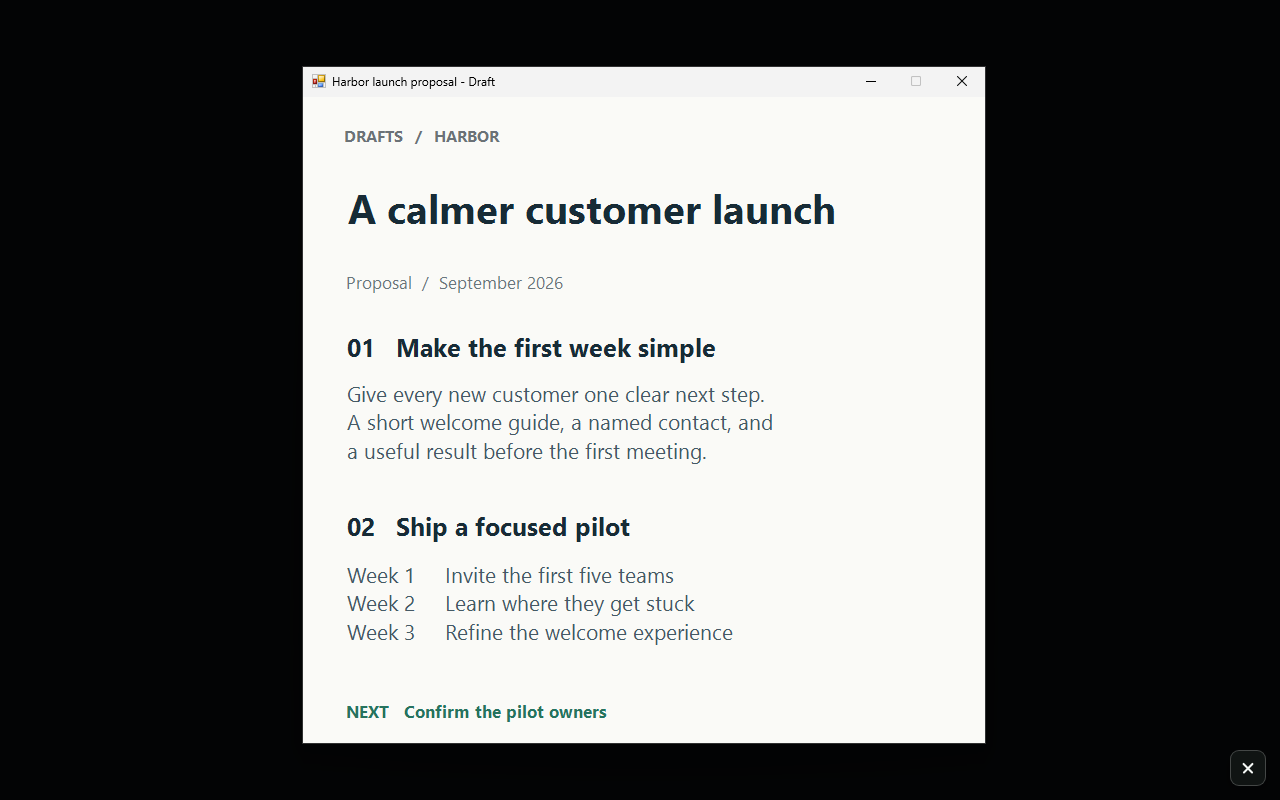
The demo could not load. Reload to try again, or read how it works below.
 Switcher
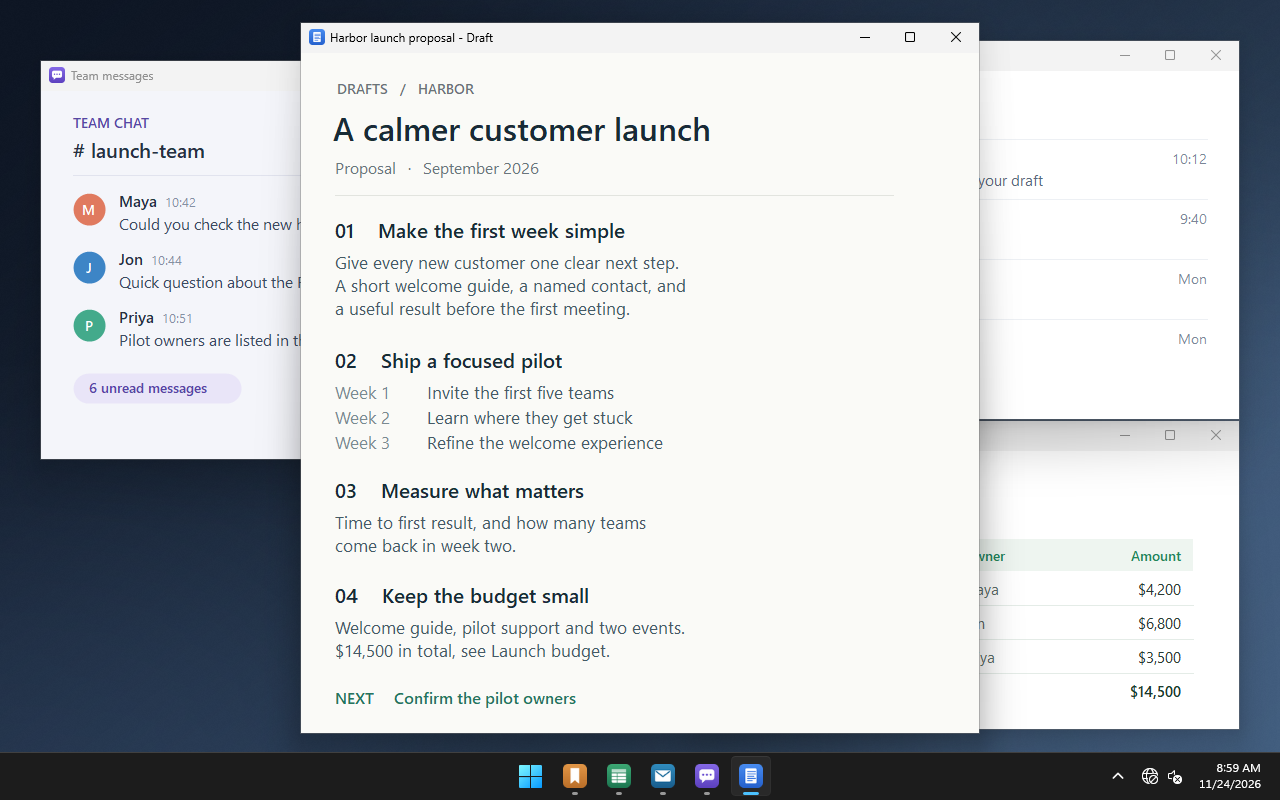
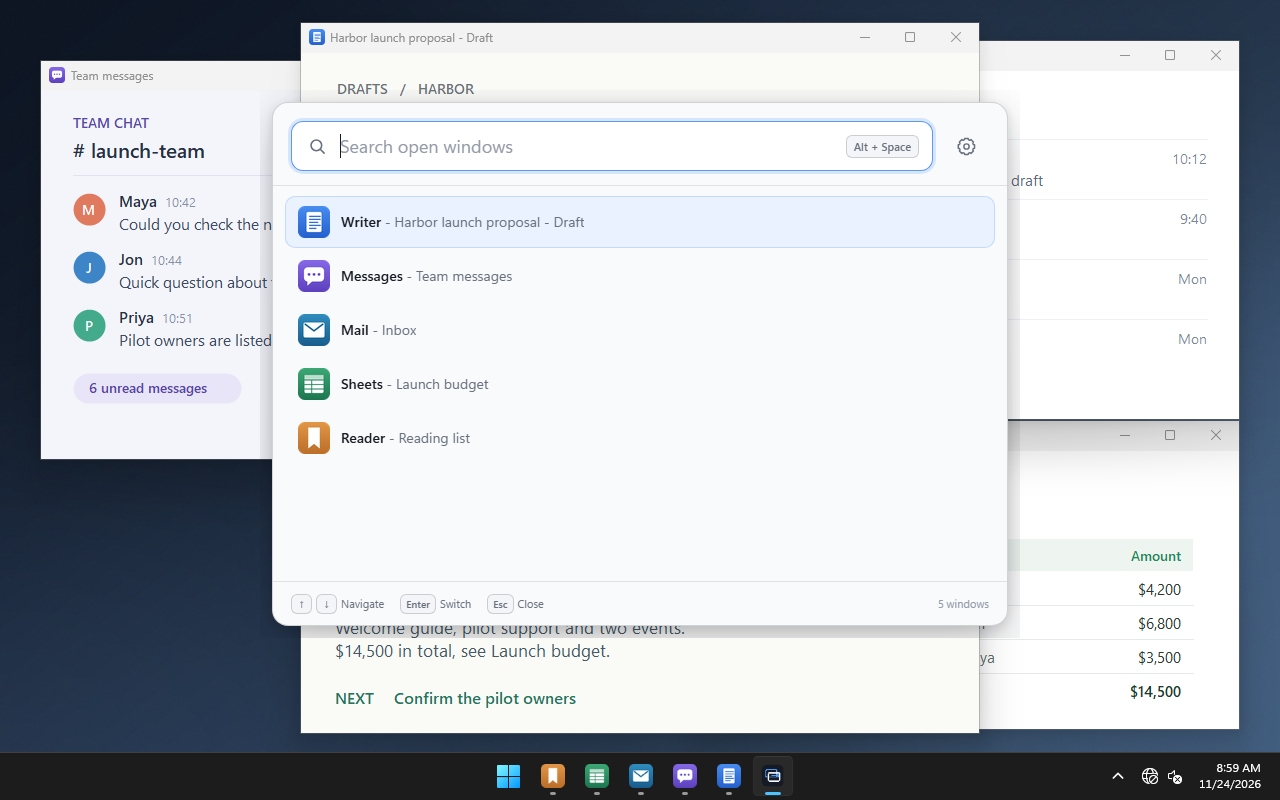
You know the window. Go straight to it.
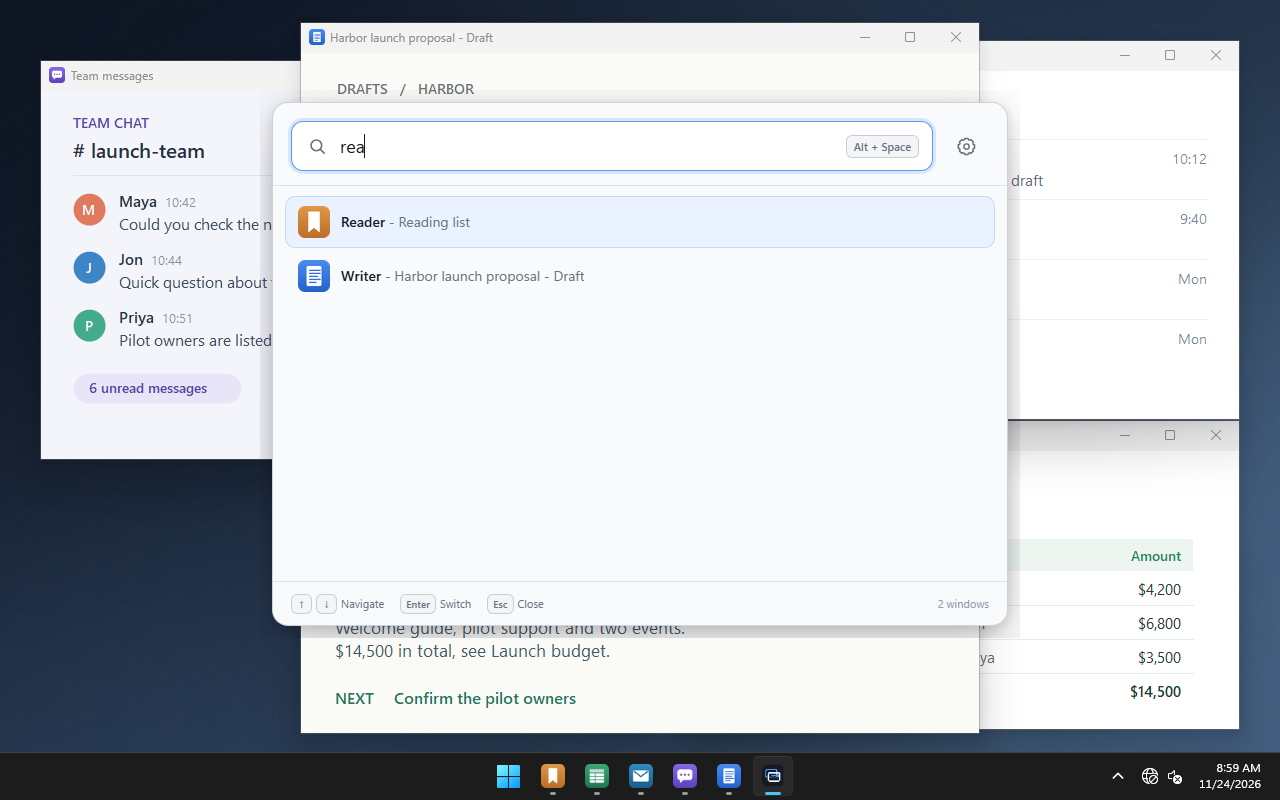
Find a window by name instead of scanning thumbnails.
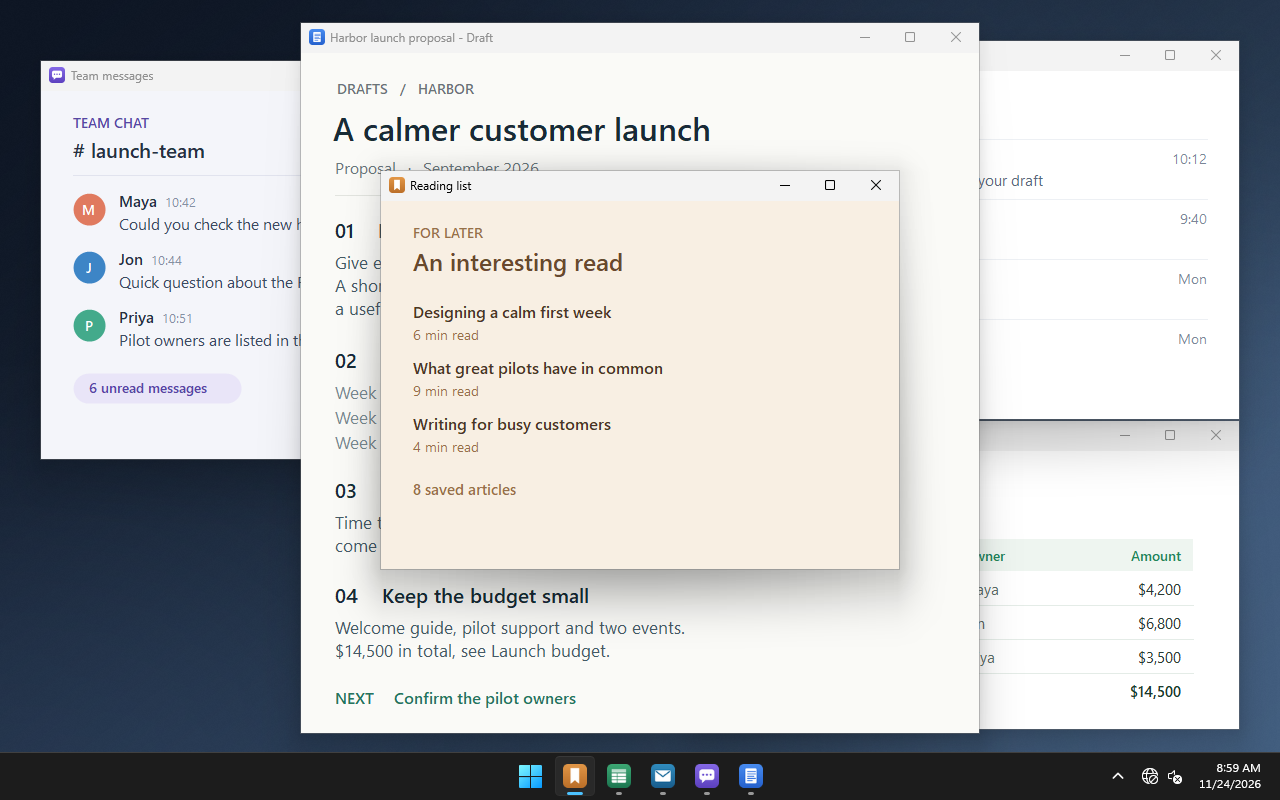
Press Alt + Space, type part of an app or window title, and press Enter. Alt+Tab steps through recent windows; Switcher goes straight to the one you named.
Free for 30 days · Windows 11
The demo could not load. Reload to try again, or read how it works below.
Keep the tools that earn their place
Try it in your real day.
- 1
Download. Start working.
Every feature for 30 days, starting on first run. No card or account.
- 2
Decide after you use it.
Nothing is charged automatically. If an app doesn’t earn its place, uninstall it.
- 3
Keep it for $3.99.
Pay once at Stripe checkout. Download your license file from the confirmation page. In the app, choose Import license and pick the file. No subscription, and the license doesn’t expire.
 Synapse · Free for Chrome
Your AI, one click from any page.
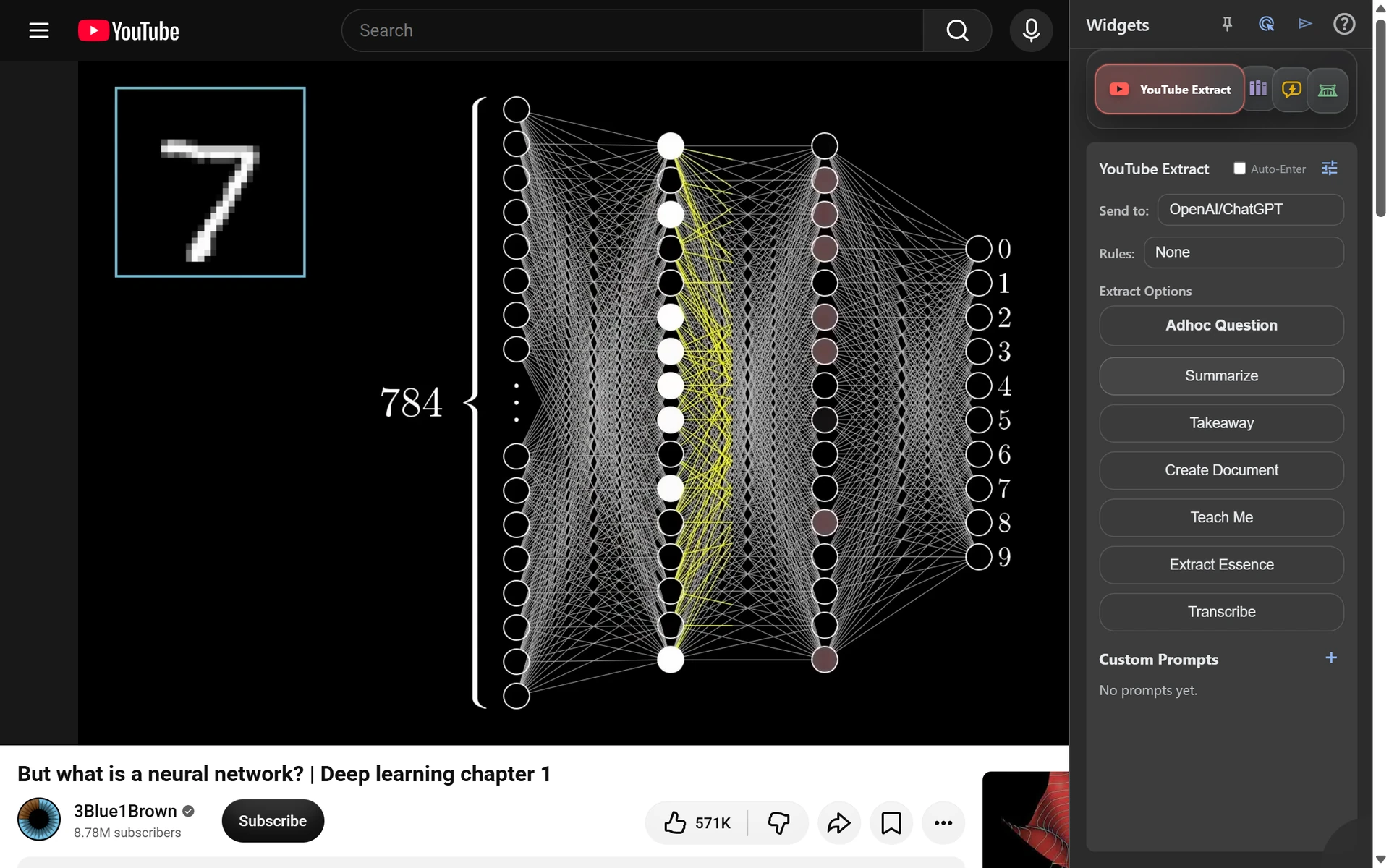
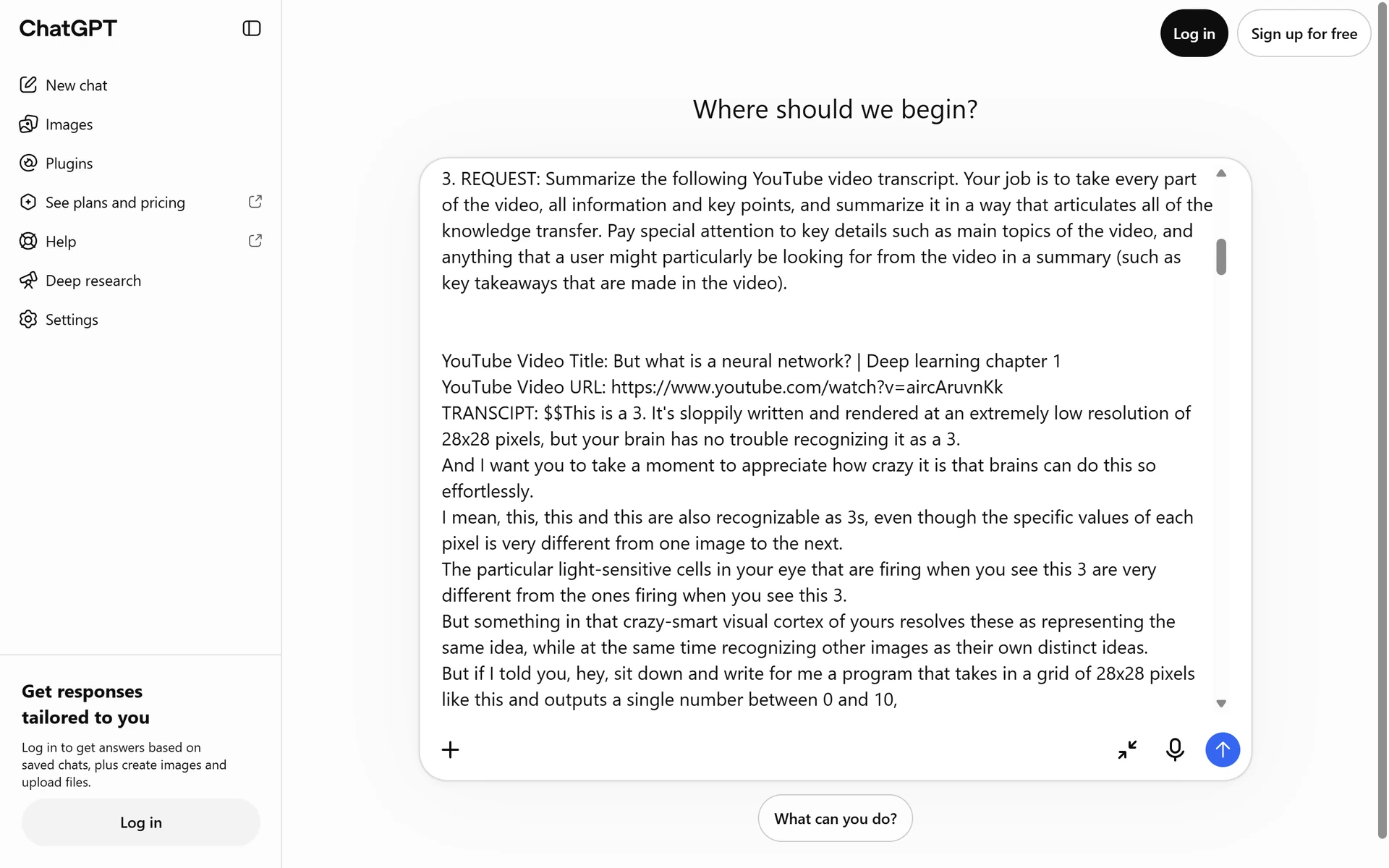
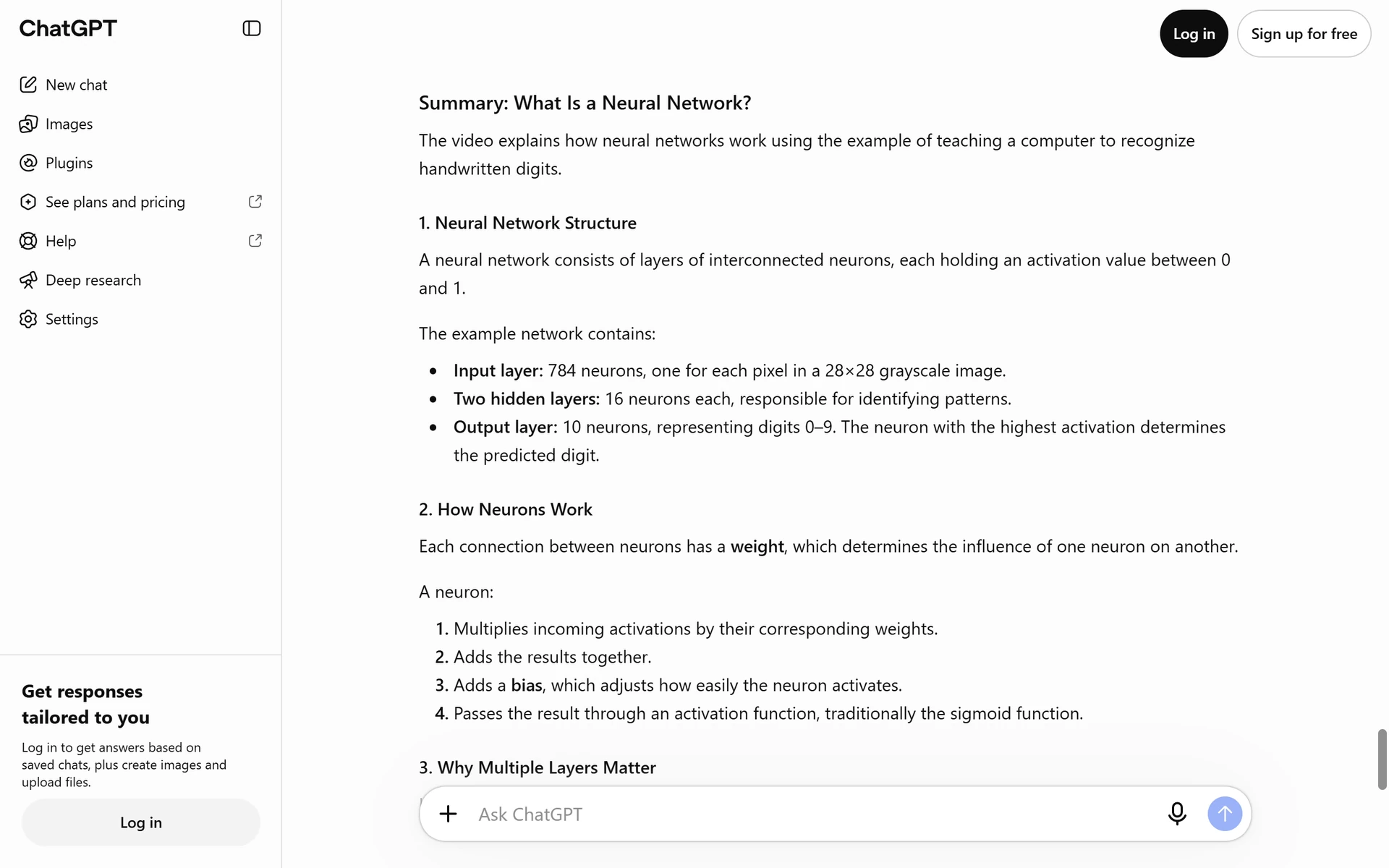
Summarize a YouTube video without copying a word.
Press Summarize beside any YouTube video and its transcript goes to ChatGPT, Claude or Gemini with the right instructions. Your best prompts and a ready New Tab come with it.
Free · No account needed · Chrome and Edge

The demo could not load. Reload to try again, or read how it works below.